Web design tools are software applications that help plan, design, build, test and publish websites or web applications. They range from sitemap and wireframe tools to UI design platforms, prototyping software, visual website builders, Content Management Systems (CMS) and development tools.
The right tool depends on the project requirements, technical skills, workflow and level of control required. Beginners may prefer visual website builders, while professional designers often use dedicated tools for interface design, prototypes and design systems. Developers may add code editors, CMS platforms or visual development tools based on the project architecture.
A practical toolset often combines several categories rather than relying on one platform. Planning tools can define site structure, design tools can shape interfaces, prototyping tools can test interactions and website builders or development platforms can turn approved designs into functional sites. This separation can also support collaboration between designers, developers and content teams.
Choosing web design tools works best when the tool matches the actual job rather than its feature count. Project complexity, required integrations, customization, collaboration, scalability, budget and technical support all matter when evaluating options.
What are web design tools?
Web design tools are software applications that support specific tasks within the website creation process, such as wireframing, interface design, prototyping, development and site testing. Different tools serve different stages, so a project may use several rather than depend on one platform.
Wireframing tools help define page structure before detailed visual work, while UI and prototyping platforms help shape interfaces and test user flows. Website builders, Content Management Systems (CMS) and development tools then support site creation and publication.
The right web design tools depend on project scope, technical requirements and workflow. A simple business site may need a visual builder, while a larger project may require separate tools for interface design, development, content management, collaboration and quality testing.
What are the different types of web design tools?
Web design tools fall into several categories based on the stage or task they support. Current industry guides commonly separate them into planning and wireframing, UI design and prototyping, website builders and Content Management Systems (CMS), development tools, plus testing and optimization tools.
The 6 types of web design tools are listed below.
- Wireframing and planning tools: These tools define page structure, navigation and content placement before detailed visual design. Wireframes provide a low-fidelity view of the interface and help clarify layouts before development.
- UI design tools: Platforms such as Figma and Sketch support detailed interface design, including layouts, typography, colors, components and reusable design systems. They also support collaboration and developer handoff.
- Prototyping tools: Prototyping tools turn static screens into interactive experiences so teams can test navigation, user flows and interface behavior before development. Many modern UI platforms combine design and prototyping in one workflow.
- Website builders and CMS platforms: Tools such as Webflow, Wix and WordPress support website creation and content management with different levels of technical control. Some provide visual editing while others allow deeper customization through code or extensions.
- Development and code tools: Code editors and developer tools support HTML, CSS, JavaScript and other technologies used to build and refine websites. They provide greater control for projects that require custom functionality or technical integration.
- Testing and optimization tools: These tools help assess responsive behavior, accessibility, performance and usability across different devices and browsers. They support quality checks after design or development changes.
What is the difference between web design software and website builders?
Web design software focuses on designing or developing specific parts of a website, while website builders combine design, development and publishing within one platform. The distinction is less rigid than before because some modern platforms now combine visual design with live publishing.
The main differences between web design software and website builders are listed below.
What is the best web design tool for beginners?
Wix is a strong overall choice for beginners because it combines visual editing, templates, hosting and guided site creation in one platform. Squarespace is another strong option for users who prefer polished templates and a more structured editing experience. Current comparisons consistently place both among the easier platforms for first-time site owners.
The best choice depends on the project type. Shopify fits beginners who primarily need an online store, while WordPress.com suits content-focused websites. Webflow and Framer offer more design control but require more time to learn than simpler builders.
Wix or Squarespace works well for a first business website, portfolio or service site when ease of use matters most. A platform such as Shopify becomes more suitable when product sales are central to the project, while Webflow or Framer makes more sense when design control takes priority over simplicity.
What is the best free web design tool?
Figma is a strong free choice for interface design, wireframing and prototyping. Its Starter plan provides unlimited drafts and supports collaboration on up to three files with three pages each, which makes it practical for learning and smaller design projects.
The main free web design tools are listed below.
Figma: Best for UI design, wireframes and prototypes. Its free Starter plan provides core design features, unlimited drafts and collaboration on limited team files.
Canva: Best for simple websites, landing pages and visual assets. Its free website editor supports drag-and-drop design and free website templates without requiring coding skills.
Wix: Best for beginners who want to build a live website through a visual editor. Wix provides a free website builder with templates and AI-assisted site creation.
What coding skills are needed to use web design tools?
Most modern web design tools require little or no coding for standard website projects. Platforms such as Wix and Webflow provide visual editors that handle much of the underlying HTML, CSS and JavaScript. Figma focuses on interface design and prototyping rather than coding.
Basic knowledge of HTML, CSS and responsive design can still help designers understand layouts, spacing and technical limitations. Coding becomes more valuable when projects require custom interactions, integrations, advanced functionality or direct control over generated code.
For beginners, a visual builder can support professional website creation without programming experience. More technical projects may combine no-code tools with developer skills, depending on the required functionality and level of customization.
How do you choose the right tool to design a website?
Choose a web design tool by matching its features with the website’s purpose, project complexity, technical skills, budget and expected growth. Start by defining whether the project is a portfolio, business website, blog, online store or custom web application. A visual builder such as Wix can suit simpler projects, while Shopify fits ecommerce needs. Designers seeking greater control may prefer tools such as Figma or Webflow.
Consider the level of customization, integrations, collaboration features and publishing options before deciding. Pricing also extends beyond the basic plan and may include domains, templates, plugins, hosting or additional services.
The editing workflow matters too because a tool that feels difficult to manage can slow future updates. The right choice is the tool that fits the project’s actual requirements without adding unnecessary technical complexity or limiting future development.
Which web design tools work best for professional workflows?
Figma and Webflow work well for professional workflows because they support collaborative design, developer handoff, visual development and publishing. Figma fits interface design, design systems and prototyping, while Webflow supports visual website development and controlled publishing.
Figma is particularly useful when designers and developers need a shared workspace for components, specifications and feedback. Its Dev Mode supports inspection and handoff, while organized components and styles help maintain consistency across projects.
Webflow becomes useful when the workflow extends from approved designs into website production. Its visual development environment lets teams build and update sites without transferring every implementation task to developers, while structured publishing workflows can separate staging from production for larger teams.
Other tools can fit specific workflows. Shopify works well for ecommerce, WordPress for content-focused websites and Framer for fast design-to-publishing projects. The best professional toolset depends on the team’s design process, technical requirements and publishing needs rather than one universally superior platform.
How do web design tools fit into the website design process?
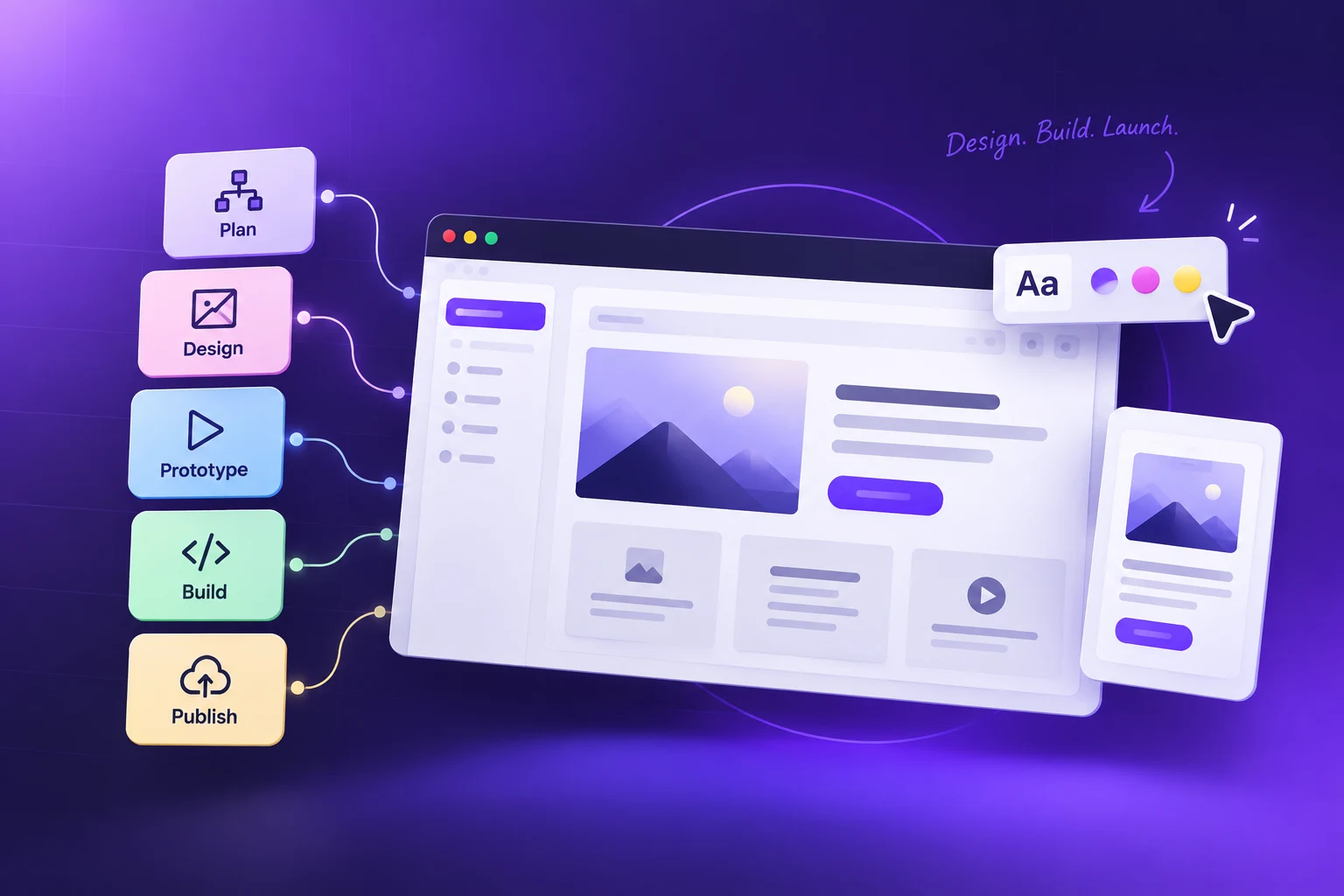
Web design tools support each stage of website creation, from planning and wireframing to visual design, prototyping, development, testing and launch. Figma can define layouts and interactions, while Webflow or WordPress can turn approved designs into functional websites.
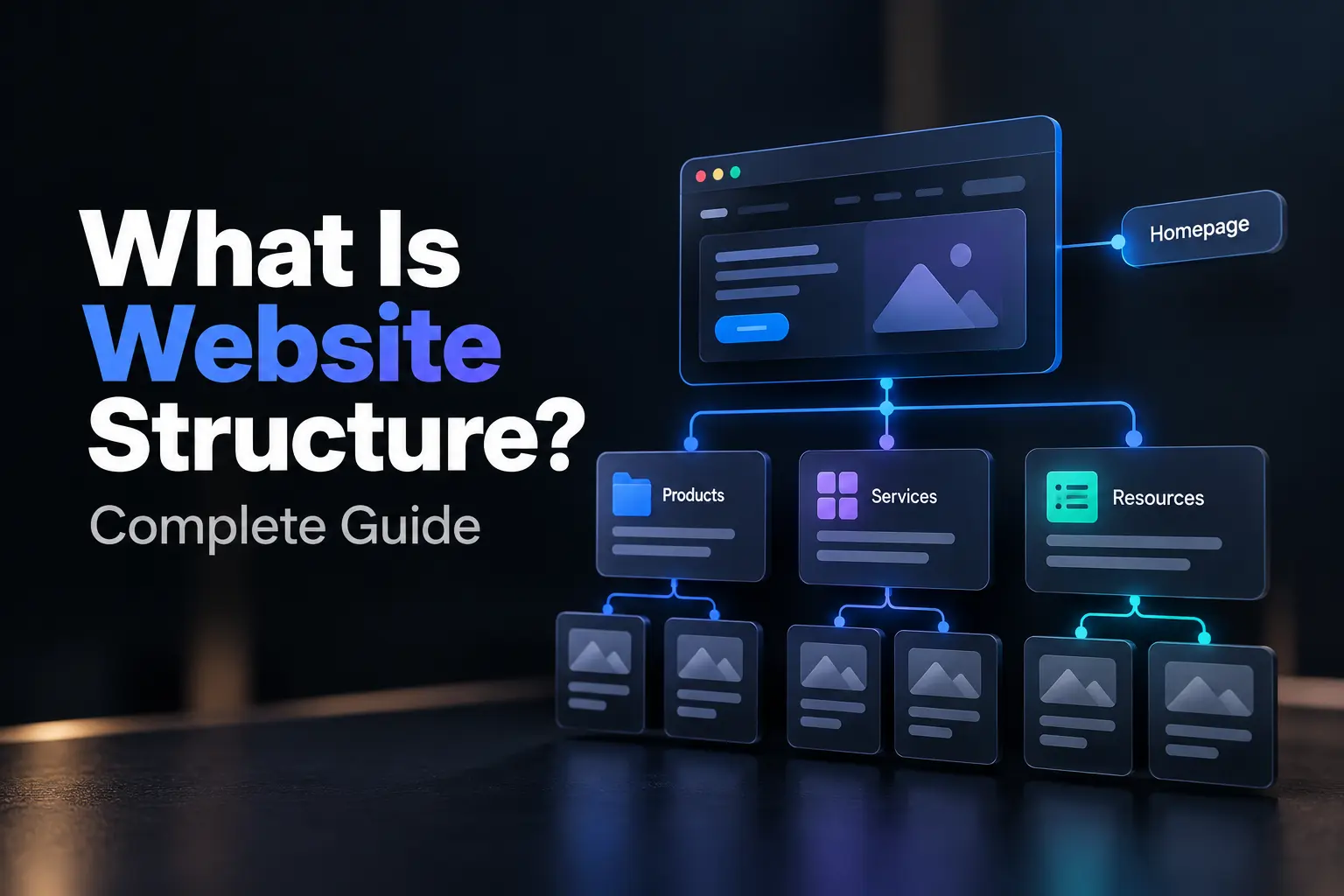
The workflow typically starts with sitemaps and wireframes that establish page structure and navigation. Designers then create visual interfaces and prototypes to evaluate hierarchy, interactions and user flows before development. Testing tools help check responsiveness, usability and technical issues before launch.
Modern workflows also connect design with developer handoff, content management and quality assurance. This lets teams identify structural or usability problems earlier, refine designs before development and maintain consistency across devices. The tools work best as a connected workflow rather than isolated applications, with each tool supporting a specific project stage.
What tools do web designers use?
Web designers use different tools for interface design, website development, content management, testing and deployment. Figma is widely used for UI design and prototyping, while Webflow and WordPress support website creation and publishing. Developers may also use Visual Studio Code and GitHub for custom development workflows.
The 4 main web design tools are listed below.
- Design and prototyping: Figma supports wireframes, interfaces, prototypes and design systems.
- Website building: Webflow provides visual development, while WordPress supports content-driven websites and extensive customization.
- Development: Visual Studio Code and GitHub support coding, version control and collaborative development.
- Testing and optimization: Browser developer tools, accessibility checkers and performance tools help identify technical and usability issues before launch.
What are the primary software tools for designing web interfaces?
Figma is a primary tool for designing web interfaces, while Sketch remains useful for Mac-based workflows. Both support wireframes, interface layouts, components and prototypes for modern website design.
Which programs let designers build and publish sites visually?
Webflow, Wix and Squarespace let designers build and publish websites visually without extensive coding. They combine visual editing with responsive controls and publishing features, making them practical for website design projects that need faster production.
What tools do web designers use for inspection and collaboration?
Figma supports collaborative design, while Chrome DevTools supports browser inspection and debugging. GitHub adds version control for development teams, helping designers and developers review implementations, identify issues and coordinate changes.
What web design tools are recommended for mobile-friendly websites?
Figma and Webflow support responsive website design, while Chrome DevTools helps test layouts across screen sizes. These tools let designers preview mobile layouts, check breakpoints and identify responsive issues before publication.
What is the best free web design tool for beginners?
Figma is a strong free web design tool for beginners because it supports interface design, wireframing, prototyping and collaboration. Its browser-based workflow also provides accessible practice before moving into more advanced design or development tools.
.svg)
.svg)
.svg)
.svg)