UX (User Experience) design creates relevant experiences that help users achieve their goals with clarity, confidence and ease. It aligns branding with every interaction, so the product presents a consistent identity that strengthens recognition and trust.
UX design delivers a seamless journey that removes unnecessary obstacles from the first interaction to task completion. It provides intuitive navigation and clear interfaces that help users understand content, complete tasks and move through the product with confidence.
UX design improves usability with clear organization, simple interactions and efficient task completion. Every function serves a clear purpose, supports user needs and delivers reliable performance that strengthens the overall user experience.
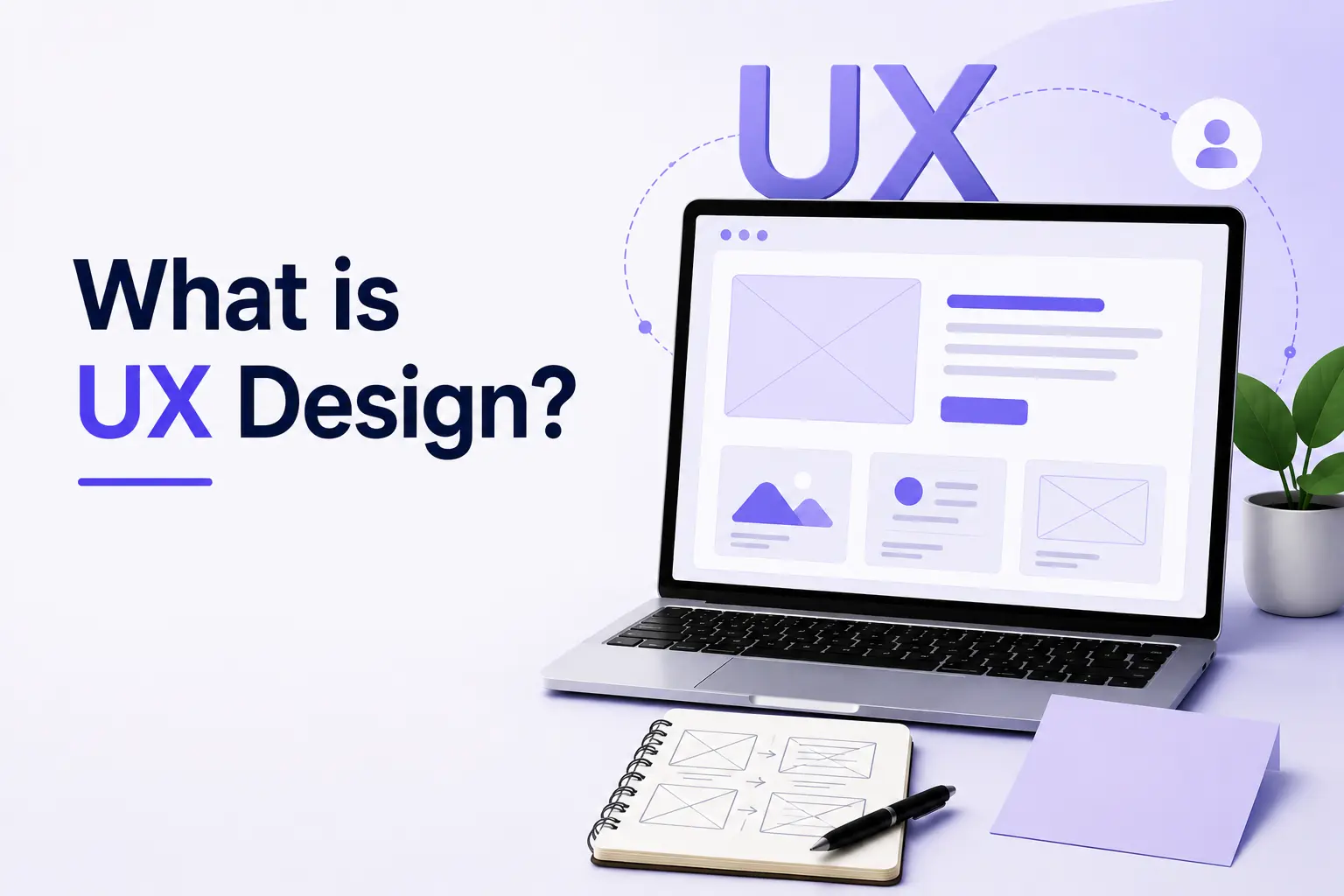
What is UX design?
UX (User Experience) design is an approach that creates relevant experiences by placing consumer needs at the center of every design decision. It reduces minimal friction, creates maximum satisfaction and identifies usability as a core pillar that helps users complete tasks with confidence. UX design also delivers value through purposeful features and ensures accessibility so people with different abilities can use the product effectively.
UX design relies on evidence-based methods that support informed decisions through user research and testing. It uses user personas to represent key audience groups and guide design decisions. UX design also applies ideation & wireframing to organize ideas into clear visual concepts before development and establish a user-centered product foundation.
Why is UX design important?
UX (User Experience) design is important because it creates higher engagement, strengthens customer loyalty and supports long-term profitability. Intuitive interactions help users complete tasks with confidence and encourage them to renew subscriptions after positive experiences.
UX design also increases conversion and revenue as users complete purchases, register for services and respond to clear calls to action. It strengthens customer retention, reduces development costs through early improvements and resolves usability issues before product release. These advantages build lasting brand trust and encourage customers to choose the product with greater confidence.
What are the core principles of UX design?
The core principles of UX (User Experience) design define how digital products satisfy user's needs, reflect behaviors and support end-user’s specific goals. UX design identifies pain points, considers preferences and relies on usability testing to improve design decisions with real user feedback.
UX design also creates clear visual layouts and supports reliable functional interactions that help users complete tasks with confidence. It maintains consistency across every strategic scale of the user journey, while clear typography improves readability, supports navigation and helps users understand information more easily.
The core principles of UX design are listed below.
User-Centricity: User-centricity places user's needs, behaviors, end-user’s specific goals, pain points and preferences at the center of every design decision.
Usability: Usability supports simple and efficient task completion that usability testing validates through real user feedback.
Consistency: Consistency keeps visual layouts and interactions predictable across every screen and user flow.
Hierarchy: Hierarchy organizes information so users notice the most important content first.
Context: Context adapts design decisions to different situations and supports a consistent experience across every strategic scale.
User Control: User control provides clear functional interactions, immediate feedback and simple ways to correct actions.
Accessibility: Accessibility combines clear visual layouts and readable typography so people with different abilities can use the product effectively.
How does the UX design process work?
The UX (User Experience) design process is an iterative methodology that creates intuitive, user-friendly products through a structured sequence of research, design and validation. It starts with user interviews and competitor analysis to understand user needs and identify opportunities for improvement. These insights define user personas, establish problem statements and create a clear user-centric goal for the product.
UX design process then organizes user flows and develops wireframing that gives every screen a clear structure. It uses prototyping to evaluate design ideas and confirms design decisions through usability testing. Visual design establishes typography, color schemes and branding elements that create a clear, consistent interface. Post-launch data guides future improvements and supports continuous product refinement.
The 9-step UX design process is listed below.
- Research: Research identifies user needs through user interviews and competitor analysis.
- Define Strategy: Define strategy transforms research into user personas, problem statements and a clear user-centric goal.
- Ideation: Ideation develops design concepts that address user needs and product goals.
- Information Architecture: Information architecture organizes user flows and content into a logical structure.
- Prototyping: Prototyping creates wireframing and interactive prototypes that demonstrate how users interact with the product.
- Testing: Testing uses usability testing to identify usability issues and opportunities for improvement.
- Visual Design: Visual design establishes typography, color schemes and branding elements that create a clear, consistent interface.
- Handoff: Handoff provides developers with design specifications and assets that support accurate implementation.
- Iteration: Iteration uses post-launch data and user feedback to improve future versions of the product.
How does user research support UX design?
UX design improves user experience as UX design replaces guesswork with a clear understanding of user pain points and user goals. It uses user research to identify real needs, understand user behavior and create experiences that solve problems with greater accuracy. These insights help designers make informed decisions that improve usability and support meaningful user outcomes.
UX design applies user research throughout the design process to validate ideas and refine product experiences. It studies recurring user pain points, confirms evolving user goals and uses evidence from real users instead of assumptions. This approach strengthens design decisions and keeps products useful, relevant and easy to use over time.
The key ways UX design improves the user experience are listed below.
Fostering Empathy: Fostering empathy helps UX design understand user pain points and user goals through direct research and real user insights.
Guiding Information Architecture: Guiding information architecture organizes navigation and content around user pain points and user goals, so users find information more easily.
Validating Concepts: Validating concepts tests design ideas with users, reduces guesswork and confirms that proposed solutions address user pain points and user goals.
Driving Continuous Iteration: Driving continuous iteration uses ongoing user research to identify new user pain points, understand changing user goals and improve the product over time.
How does UX design improve user experience?
UX design improves user experience when products reflect user needs, remove unnecessary effort and create clear, efficient interactions. Strategic research identifies real problems before design decisions begin. Iterative testing validates solutions with real users, removes confusion and improves product quality before release.
The key ways UX design improves the user experience are listed below.
Boosts Usability: Boosts usability makes tasks easier to understand, simpler to complete and more efficient for users.
Ensures Findability: Ensures findability organizes navigation and content so users locate information quickly and with confidence.
Builds Trust & Credibility: Builds trust & credibility creates consistent interactions that strengthen user confidence throughout the product experience.
Increases Accessibility: Increases accessibility makes products easier to use for people with different abilities and across different devices.
Enhances Desirability: Enhances desirability creates experiences that users value, enjoy and choose again.
What are the core elements of UX design?
The core elements of UX design are strategy, scope, structure, skeleton and surface. These five elements define how a product meets user needs, improve usability and reduce cognitive load so that users can understand and use the product with greater confidence.
UX design applies these elements in a logical sequence that connects business goals, user needs, content, interface structure and visual presentation. This sequence creates clear, consistent and effective experiences that support both users and organizations.
The 5 core elements of UX (User Experience) design are listed below.
- Strategy: Strategy defines the product's goals, identifies user needs and aligns design decisions with business objectives.
- Scope: Scope determines the content, features and functions that belong in the product and removes unnecessary complexity.
- Structure: Structure organizes information and interaction flow so users complete tasks in a logical and predictable way.
- Skeleton: Skeleton arranges buttons, menus, navigation and other interface elements into a clear, easy-to-use layout.
- Surface: Surface presents colors, typography, images and spacing that create the product's final visual appearance and strengthen the overall user experience.
What is UX design methodology?
Design methodology in UX refers to a structured approach that solves user-centered design problems and creates smooth, accessible experiences that reflect user needs. It begins with discovery, which identifies the problem and gathers the information required for informed design decisions.
Design methodology in UX continues with ideation, prototyping, testing and implementation to develop, evaluate and apply effective design solutions. This structured approach creates user-friendly products and supports confident decision-making throughout the design process.
What is UX design workflow?
A UX (User Experience) design workflow is a step-by-step process that moves an initial concept into final development through a user-centric approach. It guides every design stage with clear objectives and keeps product decisions aligned with real user needs.
UX design workflow continues with design validation, implementation and post-launch iteration to refine the product after release. It evaluates feedback, improves the user experience and increases user satisfaction by delivering products that are useful, usable and aligned with user expectations.
What techniques are used in UX design?
The techniques used in UX design include user interviews, surveys, personas, empathy maps, user journey mapping, wireframing, prototyping, card sorting and usability testing. UX design uses user research to understand user needs, applies ideation, organizes information architecture and validates design decisions through testing to create human-centric experiences. These techniques also use user profiles and visual charts to support informed design decisions.
The techniques used in UX design are listed below.
User Interviews: User interviews reduce cognitive load by revealing how users think, behave and make decisions.
Surveys: Surveys identify user opinions and expectations that support informed design decisions.
Personas: Personas strengthen attention and memory through realistic user profiles that guide design decisions.
Empathy Maps: Empathy maps improve motivation and trust by organizing user thoughts, emotions and behaviors into visual charts.
User Journey Mapping: User journey mapping guides behavior through clear feedback and identifies opportunities to improve each stage of the experience.
Wireframing: Wireframing creates familiar layouts that make interfaces easier to understand before visual design begins.
Prototyping: Prototyping validates design ideas before development through realistic interactions.
Card Sorting: Card sorting organizes information architecture according to user expectations and mental models.
Usability Testing: Usability testing confirms that interfaces feel familiar, predictable and easy to use through real user feedback.
What is UX design strategy?
A UX design strategy is a high-level plan that aligns user-centered design with business goals and addresses user problems. UX design strategy establishes a clear direction for design decisions, so every product improvement supports both users and the organization.
UX design strategy also defines how brand identity shapes the user experience across every interaction. It keeps the interface user-friendly through consistent design decisions that improve usability, strengthen product value and connect research, design and implementation into one coordinated process.
What is competitive analysis in UX design?
A UX competitive analysis is a structured comparison that benchmarks usability against market standards and identifies design opportunities for a product. It evaluates competing products to reveal strengths, weaknesses and opportunities that support informed UX design decisions.
UX competitive analysis examines interaction patterns, visual design and information architecture to determine how each product supports usability. The comparison highlights successful design approaches, reveals areas for improvement and guides design decisions that create a stronger user experience.
What are wireframes, mockups, and prototypes in UX design?
Wireframes, mockups and prototypes in UX design are design artifacts that define product structure, present the visual interface and validate user interactions before development. Together, they guide design decisions from early planning to user validation and support a clear, consistent visual design process.
Wireframes create low-fidelity layouts that organize layout, navigation, content hierarchy and user flow. They establish the structural foundation of each screen and help designers plan how users move through the product before visual details appear.
Mockups present high-fidelity static visuals that establish aesthetics, branding, visual hierarchy and the final look-and-feel. They show how the finished interface should appear and help teams review the product before interactive testing begins.
Prototypes create high-fidelity models that demonstrate interaction, evaluate the user experience (UX) and validate functionality before development. They allow users and stakeholders to test realistic product behavior and confirm design decisions before implementation.
How does usability testing improve UX design?
Usability testing improves UX design when it reveals how real users interact with a product and identifies opportunities for improvement before release. Usability testing exposes hidden pain points, helps teams simplify workflows and reduces user errors through direct user feedback.
Usability testing also supports data-driven iterations that validate design decisions with evidence instead of assumptions. It strengthens product quality, improves user confidence and creates experiences that are clearer, more reliable and easier to use.
The key ways usability testing improves UX design are listed below.
Uncovering Blind Spots: Uncovering blind spots reveals hidden pain points that designers may overlook during UX design.
Refining Task Flows: Refining task flows helps teams simplify workflows and reduce user errors by identifying where tasks become difficult.
Validating Design Direction Early: Validating design direction early supports data-driven iterations and confirms that design decisions meet user expectations.
Increasing Conversions and Retention: Increasing conversions and retention makes products easier to use, encourages more completed actions and supports long-term user engagement.
How do UX design systems support product development?
UX design systems support product development with a shared framework of brand-approved components that keeps design decisions consistent across the product. They use design tokens to standardize interface elements and reduce back-and-forth between designers and developers.
UX design systems also help designers solve user problems more efficiently and maintain consistent color palettes that strengthen the product's visual identity. This shared system improves collaboration, supports usability and keeps products aligned with brand standards.
How UX design systems support product development is listed below.
Bridging the Design-Development Gap: Bridging the design-development gap gives designers and developers a shared reference that keeps implementation aligned with design intent.
Accelerating Time-to-Market: Accelerating time-to-market uses reusable components and design tokens to reduce duplicate work and shorten development cycles.
Ensuring Consistency: Ensuring consistency applies shared color palettes, interface patterns and design standards that create a cohesive product experience.
Scaling Team Onboarding: Scaling team onboarding helps new team members understand the design system quickly and contribute with greater confidence.
What are UX design patterns?
UX (User Experience) patterns are building blocks and reusable solutions that help designers solve common usability issues across user interfaces. They establish proven interface approaches that improve consistency, reduce repeated design work and create familiar user experiences.
UX patterns also function as reusable components that connect recurring user problems with proven design solutions. They improve usability, support consistent design decisions and help teams create interfaces that are clear, efficient and user-friendly.
What makes UX design successful?
Successful UX design requires user empathy, user research and usability testing to understand human-centric needs before design decisions begin. It aligns design decisions with business goals, considers technical feasibility, delivers business value, understands user's motivations and visualizes concepts that communicate ideas clearly throughout the design process.
The key factors for successful UX design are listed below.
User-Centricity: User-centricity places user empathy, user research, human-centric needs and users' motivations at the center of every design decision.
Usability & Consistency: Usability & consistency create clear, predictable experiences that usability testing validates through real user feedback.
Accessibility: Accessibility ensures people with different abilities can use the product effectively through clear, inclusive design.
Business Alignment: Business alignment connects business goals, technical feasibility and business value so UX decisions support both users and the organization.
Continuous Iteration: Continuous iteration uses usability testing and feedback to refine solutions, validate improvements and visualize concepts before implementation.
How does psychology influence UX design?
Psychology influences UX design when it explains human behavior and applies behavioral principles to design decisions. It helps designers reduce friction, minimize cognitive overload and respect the limits of short-term memory, so users do not feel overwhelming mental effort while completing tasks. Psychology also guides the placement of Call-To-Action (CTA) elements and reduces user frustration through predictable, intuitive interactions.
The key psychological principles that shape UX design are listed below.
Cognitive Load & Memory: Cognitive load & memory reduce unnecessary mental effort and help users process information more efficiently.
Decision Time: Decision time simplifies choices so users make decisions more quickly and with greater confidence.
Familiarity: Familiarity applies recognizable patterns that make interfaces easier to understand and use.
Visual Hierarchy: Visual hierarchy directs attention to the most important information through clear organization and emphasis.
Focal Points: Focal points highlight important content and Call-To-Action (CTA) elements that encourage the next user action.
Mental Models: Mental models align interface behavior with user expectations and reduce user frustration through predictable interactions.
What are the benefits of UX design?
The benefits of UX (User Experience) design include higher conversion rates, stronger customer loyalty, lower development costs and fewer usability issues throughout the product lifecycle. UX (User Experience) design improves user satisfaction, increases engagement, supports informed design decisions and creates products that are easier to use, more accessible and more competitive.
UX (User Experience) design also helps organizations improve business performance through better user experiences and more reliable product outcomes. These advantages strengthen customer relationships, reduce unnecessary costs and encourage long-term product success.
The benefits of UX design are listed below.
Higher Conversion Rates: Higher conversion rates help more users complete purchases, registrations and other important actions.
Reduced Development Costs: Reduced development costs identify usability issues early and prevent expensive redesigns after development.
Increased Sales and Revenue: Increased sales and revenue result from better user experiences that encourage more successful customer interactions.
Customer Retention & Loyalty: Customer retention & loyalty strengthen long-term relationships through consistent and satisfying user experiences.
Increased Accessibility: Increased accessibility makes products easier to use for people with different abilities and across different devices.
Higher Productivity: Higher productivity helps users complete tasks more efficiently and improves overall workflow.
Lower Support Costs: Lower support costs reduce customer assistance requests because products are easier to understand and use.
What makes a good UX design?
Good UX (User Experience) design combines usability, accessibility, consistency and clear interactions that make every experience effortless, accessible and meaningful for users. It helps people complete tasks with confidence, reduces cognitive load and creates simple, predictable experiences that support user goals.
UX design also provides clear feedback, maintains consistent interaction patterns and gives users confidence throughout every stage of the journey. These qualities strengthen usability, improve satisfaction and create experiences that people can understand, trust and use successfully.
The key factors of good UX design are listed below.
Usability & Utility: Usability & utility help users complete tasks efficiently while ensuring every feature delivers practical value.
Accessibility: Accessibility makes products usable for people with different abilities and across different devices.
Consistency: Consistency applies familiar patterns and predictable interactions that make products easier to learn and use.
Hierarchy: Hierarchy organizes information so users notice important content first and understand the interface more easily.
User Control: User control gives users clear feedback, flexible actions and simple ways to correct mistakes with confidence.
What resources are commonly used in UX design?
The resources commonly used in UX design include interface design tools, prototyping software, user research platforms, usability testing tools, analytics solutions and learning resources that support every stage of the design process. These resources support user research, create high-fidelity prototyping, develop wireframes, refine interactive flows and establish consistent visual systems for digital products.
UX design also uses a cloud-based platform for real-time teamwork, maintains scalable design systems, supports the Apple-ecosystem, creates high-fidelity mobile prototypes, refines micro-interactions, develops low-fidelity wireframing, enables data-driven design, applies usability principles and evaluates real-world user flows throughout product development.
The resources commonly used in UX design are listed below.
Figma: Figma provides a cloud-based platform that supports wireframes, high-fidelity prototyping, design systems and real-time teamwork.
Sketch: Sketch supports interface design, visual systems and product design for the Apple-ecosystem.
Axure RP: Axure RP creates interactive flows and advanced prototypes that simulate complex user interactions.
ProtoPie: ProtoPie develops high-fidelity mobile prototypes and realistic micro-interactions without code.
Balsamiq: Balsamiq creates low-fidelity wireframes that help teams explore ideas before detailed visual design.
Maze: Maze supports user research and data-driven design through rapid design validation and user feedback.
UserTesting: UserTesting evaluates usability principles through direct feedback from real users.
Optimal Workshop: Optimal Workshop improves information architecture and navigation through user research.
Hotjar: Hotjar analyzes real-world user flows with heatmaps, session recordings and user feedback.
Interaction Design Foundation (IxDF): Interaction Design Foundation (IxDF) provides UX courses, design knowledge and professional learning resources.
Mobbin: Mobbin offers interface inspiration and real product examples for UX designers.
UX Tools: UX Tools curates software, workflows and professional UX resources.
Laws of UX: Laws of UX explains usability principles through established psychological concepts and practical design guidance.
What is Figma in UX design?
Figma is an industry-standard, browser-based tool with a cloud-based vector editor that creates wireframes, prototypes, and high-fidelity prototypes for digital products. Designers across websites and apps use it throughout the UX design process to collaborate in real time, review designs and deliver consistent design systems efficiently.
Which software is best for UX design?
The best software for UX design includes Figma, ProtoPie, Balsamiq Wireframes, Miro and Mobbin. Each tool serves a different purpose within the UX design process, from interface design and prototyping to collaboration, wireframing, workshop planning and design inspiration.
What is a UX design brief?
UX design brief is a document that defines a design project, identifies the target audience and aligns design decisions with user needs. It helps align stakeholders, establishes a shared project direction and prevents miscommunication throughout the design process.
What is a UX design report?
UX (User Experience) design report is a document that summarizes user research, presents usability testing results and explains how users interact with a product. It identifies usability issues, provides clear recommendations and supports informed design decisions throughout product improvement.
What are the most common UX design terms?
The most common UX design terms are UX, UI, usability, accessibility, wireframe, prototype, persona, user flow, information architecture and A/B testing. These terms describe user-centered design, support research, ideation, wireframing and analytics, and help create intuitive digital experiences.
What are the best UX design examples?
The best UX design examples are experiences that reduce user frustrations, achieve frictionless simplicity and create emotional alignment throughout the user journey. These examples help users search, navigate and complete tasks with confidence through clear, intuitive and consistent interactions.
What are practical UX design tips for beginners?
The practical UX design tips for beginners are a clear focus on user problems, consistent design patterns, lower cognitive load and the need to prioritize accessibility throughout the design process. These practical tips create clear, intuitive experiences and help beginners make confident design decisions that improve usability.
.svg)
.svg)
.svg)
.svg)