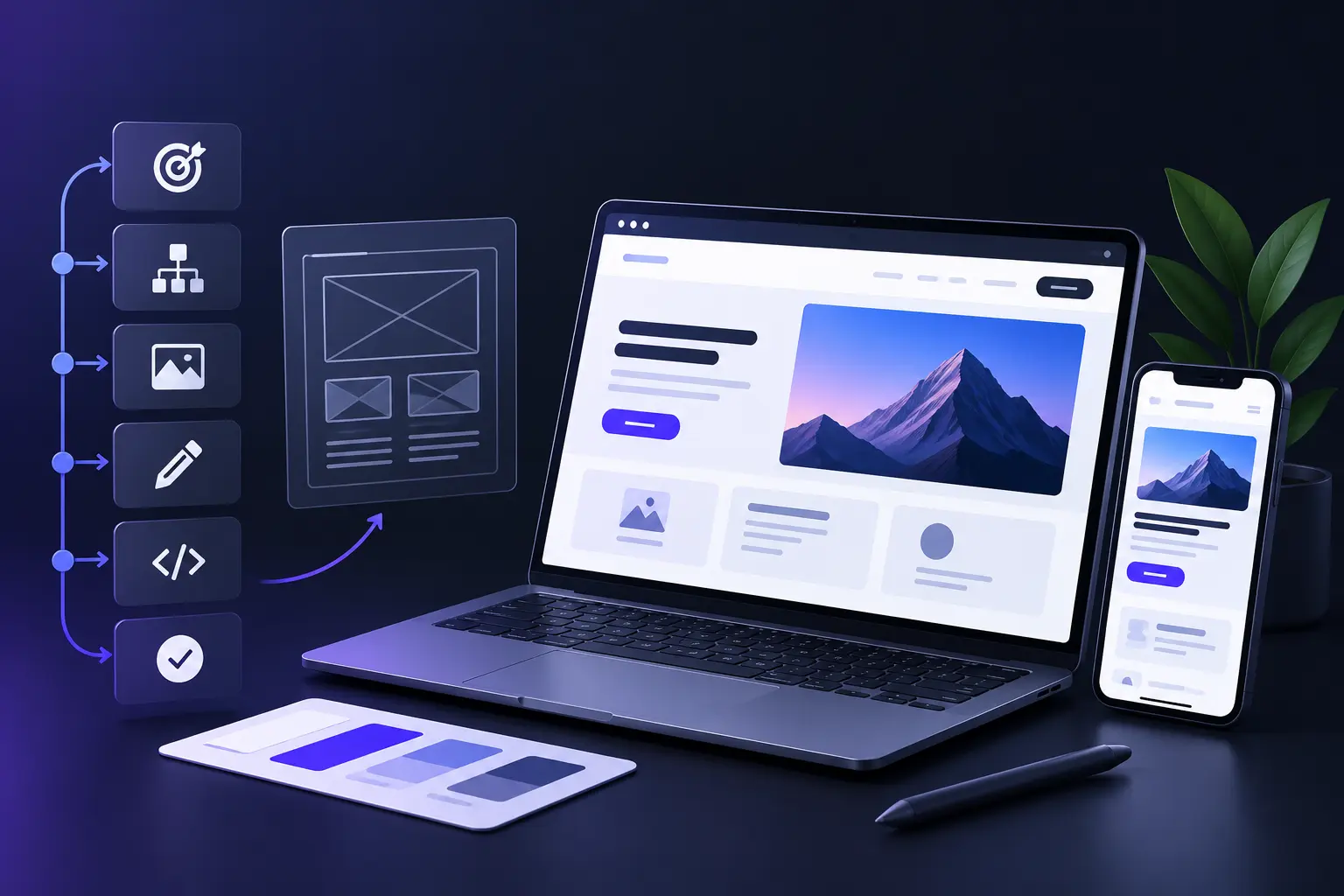
Website design is the process of plan development, website creation, testing and improvement based on clear business goals and user needs. Start with the website purpose, target audience and primary goals so every page has a clear role. Then create a simple sitemap with key pages such as Home, About, Services or Products and Contact. A clear structure helps visitors find relevant information with less effort.
Next, prepare the content, images, logos, colors, fonts, and brand assets required for the website. Use several design references to identify useful patterns in layout, typography, spacing and navigation. Create wireframes before visual design to establish the page structure, content hierarchy, navigation and calls to action. This approach can reduce unnecessary design changes later.
After the structure is ready, select suitable design and development tools based on your skills and project requirements. Apply consistent typography, colors, spacing, imagery and branding across key pages. Make the website responsive, so it works well on mobile, tablet, and desktop screens. Check font sizes, image proportions, buttons, menus and page layouts across different screen sizes.
Before launch, test links, forms, buttons, page speed, browser compatibility, and mobile usability. After launch, review traffic, clicks, conversions, and user feedback to identify areas that need improvement. A strong website design process combines clear planning, useful content, consistent visual design, responsive layouts, thorough testing and regular improvement.
What should you prepare before designing a website?
Before you design a website, prepare clear goals, audience details, content, brand assets, design references, and the right tools. Start with the website's purpose and define two or three specific objectives, such as lead generation, product sales, portfolio presentation, or consultation bookings. Identify the target audience and consider their needs, expectations, preferred devices and common problems. These details should guide the website layout, tone, features and content.
Next, collect the brand assets that will shape the visual direction. Prepare your logo, color palette, fonts, imagery style and existing brand guidelines. If no formal branding exists, choose a simple color system with one primary color, one or two accent colors, and suitable neutral tones. Prepare the core website content as well, including headlines, service or product descriptions, About information, contact details, images, videos and calls to action.
Finally, review three to five reference websites and note useful ideas on layout, navigation, spacing and typography. Then select your design and development tools, such as Figma for mockups and WordPress, Webflow, or Shopify for site creation. Proper preparation gives the design process a clear direction and reduces avoidable changes later.
The 10 steps to design a website are listed below.
1. Website goals
Clear website goals give the design process a specific direction and help each design decision support a measurable outcome. Before you choose colors, layouts, or tools, define what the website should achieve. Common goals include lead generation, product sales, portfolio presentation, brand awareness and information delivery. Set two to four specific objectives such as “generate 20 consultation bookings each month” or “sell 50 products per month.”
Website goals also determine the pages, content, and features your website needs. A lead generation website may need a focused homepage, services page, testimonials and contact form. An ecommerce website may require product pages, cart functionality, customer reviews and secure payment options. Clear goals help you prioritize useful content and remove elements that add clutter without supporting the intended action.
A goal-focused website design keeps visual choices connected to user actions and business outcomes. Typography, color, navigation, page structure, and call-to-action placement should support the actions you want visitors to take. Clear objectives also give you measurable criteria for later evaluation through metrics such as conversions, bookings, sign-ups, and sales. This approach creates a more purposeful website with stronger usability and clearer business value.
2. Target audience
A clear target audience helps you choose the right website layout, language, visuals, features and level of detail. Start by defining the people most likely to use the website, such as customers, clients, employers, or readers. Consider their age, location, needs, interests, pain points and device preferences. For example, a local service website may target busy homeowners who value trust and quick service, while a SaaS website may target managers who need efficient business tools.
Target audience details should also guide the website experience across different devices and user expectations. If most visitors use mobile devices, prioritize mobile-friendly navigation, large tap targets, readable text and fast page loads. A corporate audience may require stronger desktop usability with a professional visual style. Audience expectations also influence the choice of imagery, language, content depth, and page structure.
A specific audience makes website content more relevant because each design element can address a defined user need. Headlines should reflect visitor priorities while buttons should clearly support the desired action. This audience focus can improve user engagement, usability and conversions by reducing confusion and helping visitors find relevant information faster.
3. Website platform
The right website platform gives your website the design flexibility, features, scalability, and maintenance setup that match your goals. Common options include WordPress, Webflow, Shopify, Wix, Squarespace, and custom development. Choose the platform based on your website type, technical skills, budget, content needs and plans. WordPress suits content-rich websites and blogs, while Shopify works well for ecommerce stores with larger product catalogues.
Website platform choice also affects design control, functionality, hosting, security, and maintenance. Wix and Squarespace offer simple visual tools for users who want an easier setup, while WordPress provides greater control through themes, plugins and custom development. Webflow gives designers strong control over layouts and interactions while Shopify focuses on ecommerce features. Consider the level of customization, third-party integrations, performance, security, and scalability you need before you commit to a platform.
Choosing the right platform before website design can reduce costly changes later. Your platform should support the design system, page structure, features and content workflow you plan to use. A suitable choice also makes future updates easier and gives your website room to grow as your content, traffic, and business requirements increase.
4. Website structure and navigation
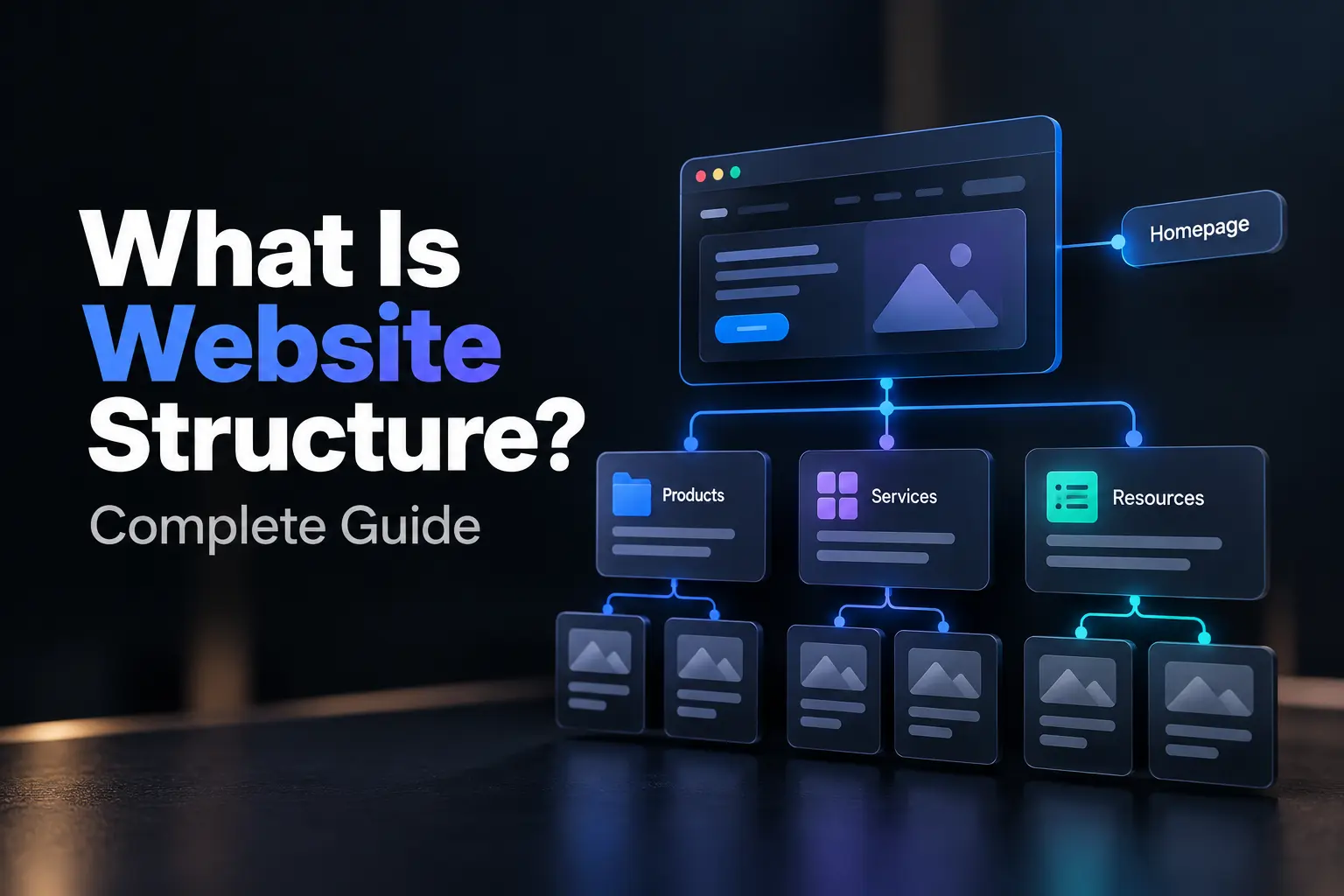
A clear website structure and simple navigation help visitors find important information quickly and understand where they are on the site. Start with a sitemap that organizes key pages such as Home, About, Services or Products, Blog and Contact. Group related pages under logical categories and keep the main menu focused on about five to seven top-level items. A shallow structure reduces confusion and gives visitors a clear path to important content.
Website navigation needs consistent behavior across desktop and mobile devices. Use clear labels in the desktop menu and a compact mobile menu with links that are easy to tap. Keep the logo linked to the homepage and use the footer for secondary links such as Privacy Policy, Terms and social profiles. Consistent navigation across every page helps visitors understand the site structure without extra effort.
Internal links and breadcrumbs strengthen navigation and content discovery. Link related pages within relevant sections so visitors can move from one topic to another without returning to the main menu. Breadcrumbs help larger websites show the current page position within the site hierarchy. A logical structure can improve usability while also supporting SEO, engagement and conversions by making important pages easier to discover.
5. Website wireframes
Website wireframes provide a simple visual plan for page structure before detailed design and development begin. A wireframe shows the position of key elements such as the header, navigation, hero section, content blocks, images, buttons, forms and footer. Focus on structure and user flow rather than colors or decorative details. Basic boxes and labels can map the homepage and main internal pages while each section receives a clear purpose.
Wireframes make it easier to compare layouts and identify usability problems before detailed design work starts. Check the position of the logo, menu, primary content, testimonials, forms and calls to action. Place important actions such as Contact, Book Now, or Buy Now in visible locations. Early layout checks can reveal problems with navigation, content hierarchy, and page flow before development begins.
Website wireframes can use paper sketches, whiteboard tools, or software such as Figma and Balsamiq. Share the layouts with relevant stakeholders and collect feedback about structure, content hierarchy and user needs. Approved wireframes then provide a blueprint for UI design and website development. This approach can reduce rework and keep the project focused on usability, clear content structure and conversion goals.
6. Website content
Website content provides the text, images, videos and other media that explain your offer and guide visitors toward an action. Prepare core content before detailed page layouts, including headlines, subheadings, body text, calls to action, product or service descriptions and contact information. Content gives the layout real material to organize, which helps determine section length, visual hierarchy and space requirements. A page built around final content also needs fewer layout changes later.
Website content needs clear language that matches the target audience, page purpose and user intent. Give each page one primary goal with a strong headline, concise supporting text and a clear call to action. A services page can present key offerings with short benefit-focused descriptions followed by a “Get a Quote” button. Images, icons and illustrations can reinforce the message when they add context, while unnecessary visual elements can compete with important page actions.
Website content also needs a structure that supports quick reading across desktop and mobile screens. Use headings, bullet points and short paragraphs to separate information into easy-to-scan sections. Place testimonials, case studies and trust signals near relevant claims or actions so visitors can evaluate the offer with useful supporting evidence. Well-structured content gives the design a clear foundation because every section has a defined purpose, a suitable content format and a logical place within the user journey.
7. Visual elements
Visual elements shape website appearance while helping visitors understand content and identify important actions. Use a limited color palette with one primary color, one or two accent colors and neutral tones for backgrounds and text. Apply the selected colors consistently across headings, links, buttons and interface elements so key actions remain visually distinct without excessive decoration.
Typography affects readability, content hierarchy and page scanning across different screen sizes. Use one or two readable font families with a clear distinction between headings and body text. Maintain suitable font sizes, line heights and spacing across desktop and mobile layouts. Images, icons and illustrations need a defined purpose, such as product display, process explanation or brand reinforcement.
Spacing and alignment establish a consistent visual structure across each page. Use defined margins, padding and grid alignment to separate sections and create clear visual hierarchy. Buttons need descriptive labels such as “Get a Quote” or “Contact Us” with sufficient contrast against surrounding elements. Consistent visual choices help visitors understand page structure, locate important actions and recognize the brand without unnecessary visual complexity.
8. SEO and accessibility
SEO and accessibility help a website reach relevant audiences while providing usable experiences for people with different abilities. Start with a clear site structure, descriptive page titles, meaningful headings and semantic HTML (HyperText Markup Language). Use natural keywords within headings and body text so search engines can interpret page topics without keyword stuffing. Add descriptive alt text to meaningful images, maintain sufficient color contrast and provide keyboard access for interactive elements based on WCAG (Web Content Accessibility Guidelines) requirements.
Page performance also affects search visibility and accessibility across mobile and desktop devices. Compress images, reduce unnecessary code and use responsive layouts to support faster page loads. Create an XML (Extensible Markup Language) sitemap so search engines can discover important URLs more efficiently. Clear navigation, readable text, visible focus states and descriptive link labels can also reduce usability barriers across different user needs.
SEO and accessibility work best as part of the website structure from the initial design stage. Accessible content makes pages easier to navigate and interpret while clear HTML structure supports search engine crawling. A combination of search-friendly content, accessible interfaces, responsive layouts and technical performance creates a stronger foundation for organic visibility and broad user access.
9. Test and launch
Website testing and launch checks confirm that pages, features and layouts work correctly before the site goes live. Start with functional checks for links, forms, buttons and interactive elements across major browsers such as Chrome, Firefox, Safari and Edge. Test desktop, tablet and mobile layouts to confirm responsive behavior, readable content and consistent page structure.
Website performance checks can reveal slow pages, oversized images and scripts that delay page rendering. Use tools such as Google PageSpeed Insights or GTmetrix to identify performance issues and prioritize fixes that affect load speed. Run accessibility audits with WAVE or Lighthouse to check alt text, keyboard access, focus visibility and color contrast against WCAG (Web Content Accessibility Guidelines) requirements.
Website launch also requires analytics, secure hosting and post-launch quality checks. Set up analytics tools such as Google Analytics to measure traffic, user actions and conversions after launch. Use hosting with SSL (Secure Sockets Layer) protection and verify the live site after deployment. Check forms, links, redirects, page loads and key actions again after launch, then use performance data and user feedback to guide later updates.
10. Monitor and maintenance
Website monitoring and maintenance keep a site secure, accurate and reliable after launch. Set regular checks for uptime, broken links and slow pages with tools such as Google Search Console, UptimeRobot or Pingdom. Review analytics data each week to assess traffic, engagement and conversion paths. These checks can reveal pages with performance issues, outdated information or weak user response.
Website maintenance requires regular security updates, backups and content reviews. Apply Content Management System (CMS) updates and security patches as they become available. Maintain frequent backups to reduce the risk of data loss after technical failures or security incidents. Review important pages at regular intervals so product details, service information, contact details and other time-sensitive content remain accurate.
Website performance also needs periodic technical audits and user feedback. Check image sizes, database health, page speed and calls to action during routine audits. Review support requests and user feedback for recurring navigation or usability problems. A consistent maintenance schedule reduces downtime, limits security risks and keeps the website aligned with business goals and changing user needs.
What else should you know about website design?
Website design goes beyond visual appearance and page layout because strategy, usability, technical performance and scalability also shape the final result. Each page needs a defined purpose that supports a business goal such as a demo request, purchase or newsletter signup. Mobile-first design also matters because layouts need to work well on smaller screens, with responsive structures, touch-friendly controls and efficient page loads.
Core Web Vitals measure key aspects of page experience, including loading performance, interactivity and visual stability. Clean code, optimized images and limited third-party scripts can support stronger technical performance. Accessibility also requires attention to screen readers, keyboard navigation, readable text and sufficient color contrast so the interface remains usable across different needs.
Website content and design need close coordination because page structure depends on the messages each section needs to communicate. Prepare key messages before final layout decisions so headings, supporting copy and calls to action receive appropriate space. After launch, analytics, user feedback and controlled A/B (split) tests can reveal which layouts and content choices perform better. A strong website balances visual quality, practical function, measurable results and room for future growth.
When should you design a website yourself or hire a web designer?
Do-It-Yourself (DIY) website design suits simple projects with standard features, while professional web designers fit custom branding, ecommerce, integrations and complex functionality. The decision depends on project scope, technical requirements, budget and desired design control.
What are the best website design platforms and tools?
Popular website design platforms include WordPress, Webflow, Wix, Squarespace and Shopify, with each serving different project needs. Figma supports interface prototypes, while Google Fonts and Unsplash provide design resources. Shopify suits e-commerce while WordPress offers broader customization.
How much does it cost to design a website?
Website design costs can range from basic DIY expenses to $50,000 or more for complex custom projects. Do-It-Yourself (DIY) sites may require monthly hosting and software costs, while freelancers and agencies charge more for custom design, development, functionality and strategy.
What are the most common website design mistakes to avoid?
Common website design mistakes include cluttered layouts, slow pages, weak mobile usability, unclear calls to action and complicated navigation. Avoid poor-quality images, inconsistent branding, excessive pop-ups and inaccessible interfaces. Test layouts, links and interactive elements across major devices and browsers.
.svg)
.svg)
.svg)
.svg)